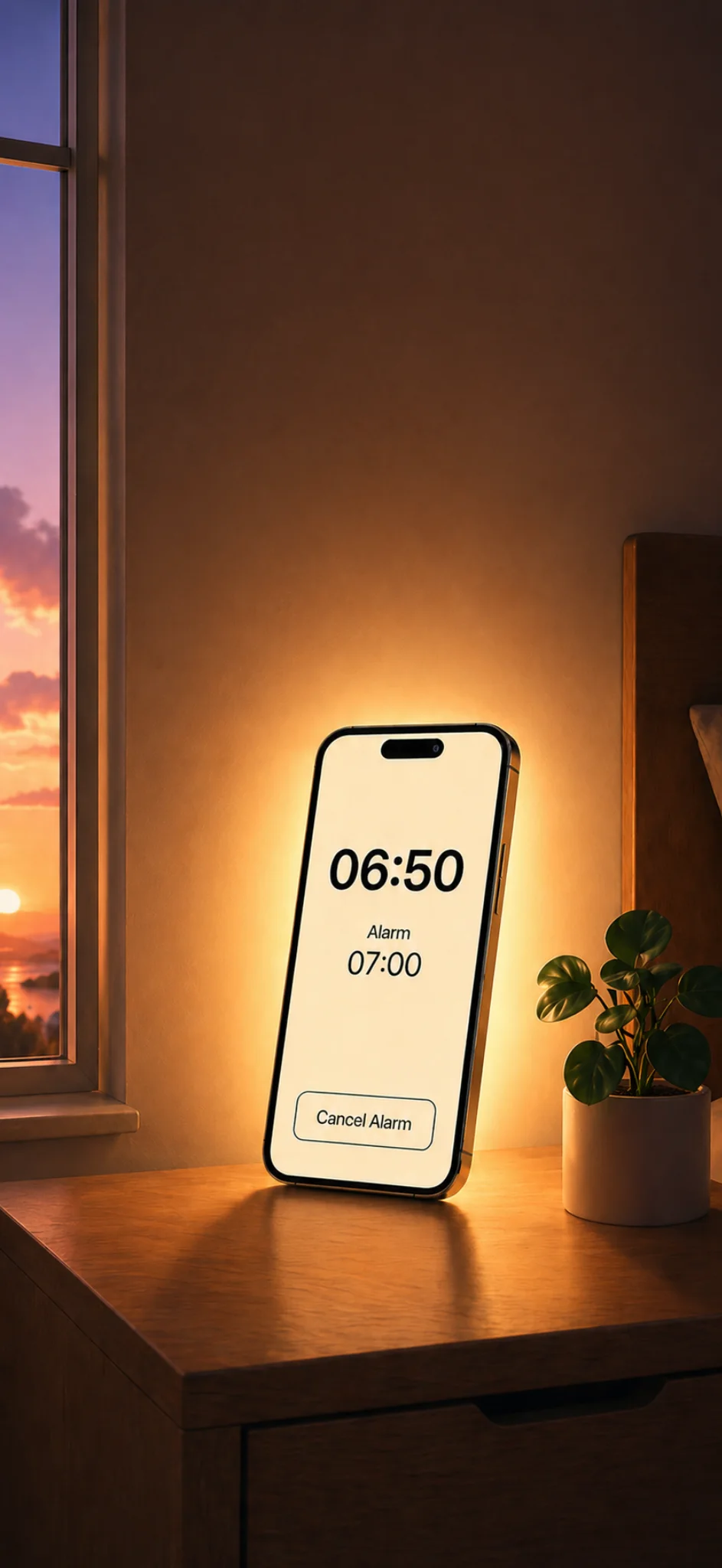
A wake-up light is usually a dedicated bedside lamp that gets brighter around your alarm time. Glow Alarm brings that idea to the device already on your nightstand: your iPhone.
1. Use a dedicated wake-up light alarm
The easiest setup is to use an alarm app designed around light, not just sound. Glow Alarm keeps the morning screen simple and bright, so the phone can act more like a bedside glow than a normal notification-heavy device.
Tip: Place the phone where the light can bounce off a wall or bedside surface. Reflected light usually feels softer than having the screen pointed directly at your face.
2. Choose a warm screen style
A harsh white screen can feel intense in a dark room. A warmer sunrise-style color palette is easier to live with, especially in winter or when you wake before natural daylight. In Glow Alarm, pick a style that feels bright enough to notice without making the room feel clinical.
3. Set the sound lower than you think
Light can do part of the waking-up work, so your sound does not need to be painfully loud. Start with a moderate alarm volume, then adjust it over a few mornings. If you use Apple Music or your own ringtone, choose something you will not hate by Friday.
4. Keep the phone charged and visible
For the most reliable setup, plug your iPhone in before bed and keep it on a stable bedside table. Angle it toward a wall, headboard, or ceiling so the glow spreads through the room.
5. Build a repeatable evening routine
A wake-up light works best when it becomes part of the same nightly pattern: set the alarm, plug in your phone, place it in the same spot, and avoid moving it after lights out. The less you think about the setup, the more useful it becomes.
Try Glow Alarm
Glow Alarm is built for this exact use case: turning your iPhone into a simple sunrise-style alarm with bright light, custom alarm sounds, and a clean morning screen. Download Glow Alarm on the App Store.