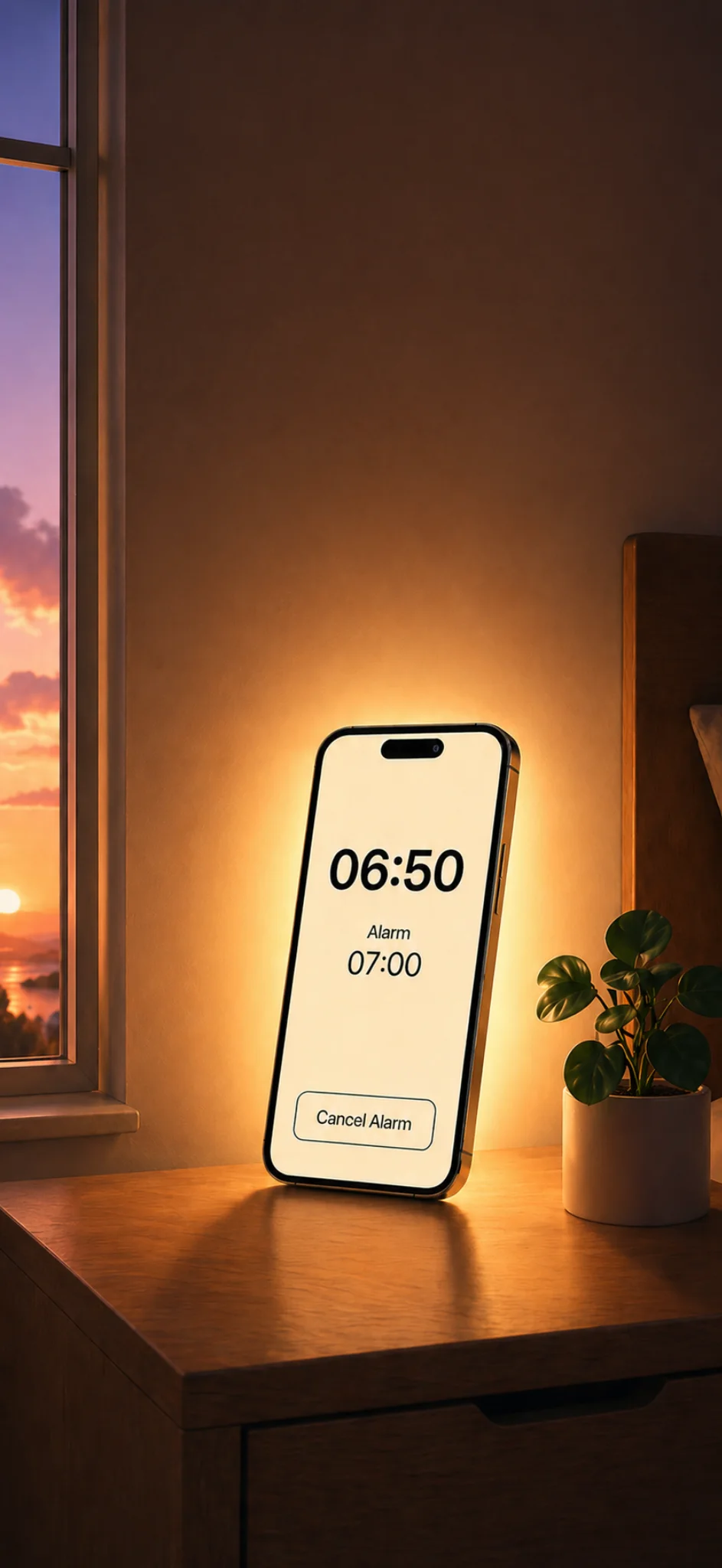
An iPhone can replace a sunrise alarm clock for many people, especially if you want a simple, portable, low-cost way to wake up with light. It will not be identical to a dedicated bedside lamp, but it can create a gentler morning than a standard alarm sound alone.
With Glow Alarm, your iPhone becomes a sunrise-style alarm using screen light, flashlight, and sound.
The simple answer
Use an iPhone sunrise alarm if you want:
- A wake-up light without buying another device
- A portable option for travel
- Custom sounds or music
- A simple bedside setup
- A lower-cost way to try waking with light
Use a dedicated sunrise alarm clock if you want:
- A larger lamp
- Stronger room-filling light
- Physical bedside controls
- A device that is not your phone
- Extra hardware features such as radio or built-in buttons
Both approaches can make sense. The right choice depends on how much light you need and how you want your bedroom to feel.
Brightness: phone vs lamp
A dedicated sunrise alarm clock is usually better at filling a room with light. It is built around a lamp, so brightness is its main job.
An iPhone is smaller. The screen and flashlight can create a useful bedside glow, but they are not the same as a larger lamp.
That said, many people do not need the whole room to become bright. If your phone sits close to your bed and faces outward, the gradual light can still make waking feel less sudden.
Glow Alarm is best thought of as a personal bedside sunrise alarm, not a full-room lighting system.
Cost: app vs hardware
A sunrise alarm app is usually the easier starting point. You already own the most expensive part: the phone.
That makes Glow Alarm a good first step if you are curious about wake-up lights but do not want to buy another bedside device immediately.
A hardware sunrise alarm can still be worth it if you know you want a permanent lamp on your bedside table. But if you are unsure, an app is a practical way to test the habit first.
Portability: where the iPhone wins
This is one of the clearest advantages of using an iPhone.
A dedicated sunrise alarm clock is usually something you leave at home. Your iPhone comes with you.
That makes Glow Alarm useful for:
- Hotels
- Work trips
- Holidays
- Staying with family
- University rooms
- Short-term rentals
If you already rely on a sunrise lamp at home, an iPhone sunrise alarm can be a travel-friendly backup.
Sound: customisation matters
Many hardware alarm clocks include a set of built-in sounds. Some people like that simplicity. Others want more control.
With Glow Alarm, you can wake with custom audio, including music options, depending on your setup. That gives you more flexibility if you want a specific song, playlist, or calming alarm sound.
The sound matters because a sunrise alarm is not only about light. Ideally, the light begins the waking process and the sound finishes it gently.
Reliability: set it up properly
Any alarm needs to be reliable. With a phone-based sunrise alarm, the setup matters.
For best results:
- Keep your phone plugged in overnight
- Place it securely on your bedside table
- Test the alarm before relying on it
- Make sure the sound is available
- Check your volume
- Avoid hiding the screen under bedding
A dedicated hardware alarm is physically separate from your phone, which some people prefer. But if you already use your iPhone as your main alarm, Glow Alarm adds light to a habit you already have.
Bedroom feel: one device or two?
Some people want fewer devices on the bedside table. Others want their alarm separate from their phone.
If you are trying to keep your phone out of the bedroom, a hardware sunrise alarm may be better.
If your phone is already charging beside you every night, Glow Alarm can make that existing setup more useful.
The best alarm is the one you will actually use consistently.
Who should try an iPhone sunrise alarm first?
Glow Alarm is a good fit if you:
- Already use your iPhone as an alarm
- Wake up before sunrise
- Want gentler mornings
- Travel regularly
- Want to try a wake-up light before buying hardware
- Like custom music or sounds
- Prefer a minimal bedside setup
It may not be the best fit if you want a large bright lamp, physical buttons, or a phone-free bedroom.
A practical way to decide
Try Glow Alarm for a week.
Use the same wake-up time, same light duration, and same phone placement each morning. After a few days, ask yourself:
- Do I feel less shocked awake?
- Is the light noticeable?
- Is the alarm sound pleasant but effective?
- Is the setup easy to repeat?
- Do I want stronger light?
If the answer is yes, your iPhone may be enough. If you like the habit but want more brightness, you may decide to add a dedicated lamp later.
Final verdict
An iPhone can replace a sunrise alarm clock for people who want convenience, portability, and a gentler wake-up without extra hardware.
A dedicated sunrise alarm clock is still better for stronger room-filling light and a more traditional bedside device.
Glow Alarm sits in the practical middle: it helps you wake up with light using the phone you already own.